
ChatGPT v4 vs v5: Image Editing Compared
ChatGPT v4 — The Old Way
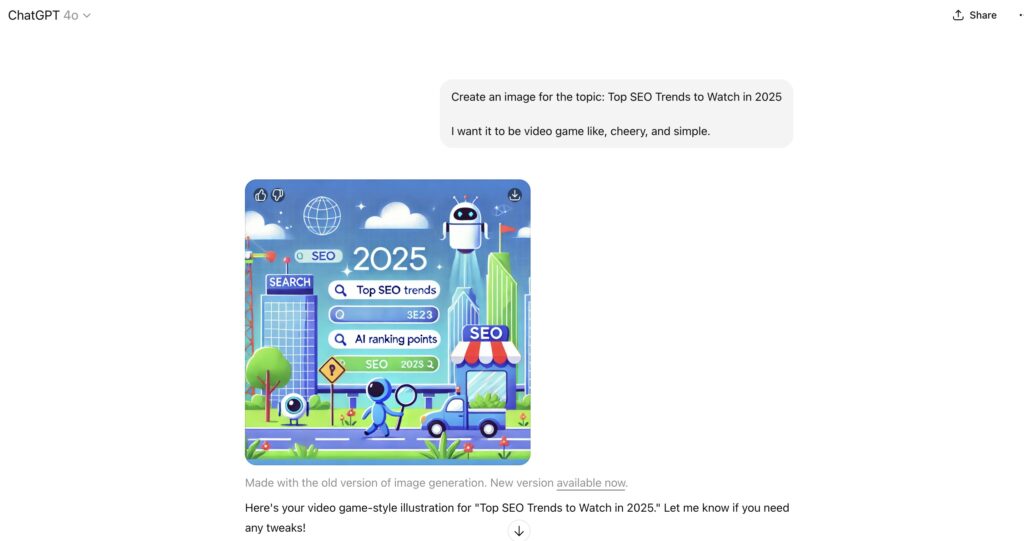
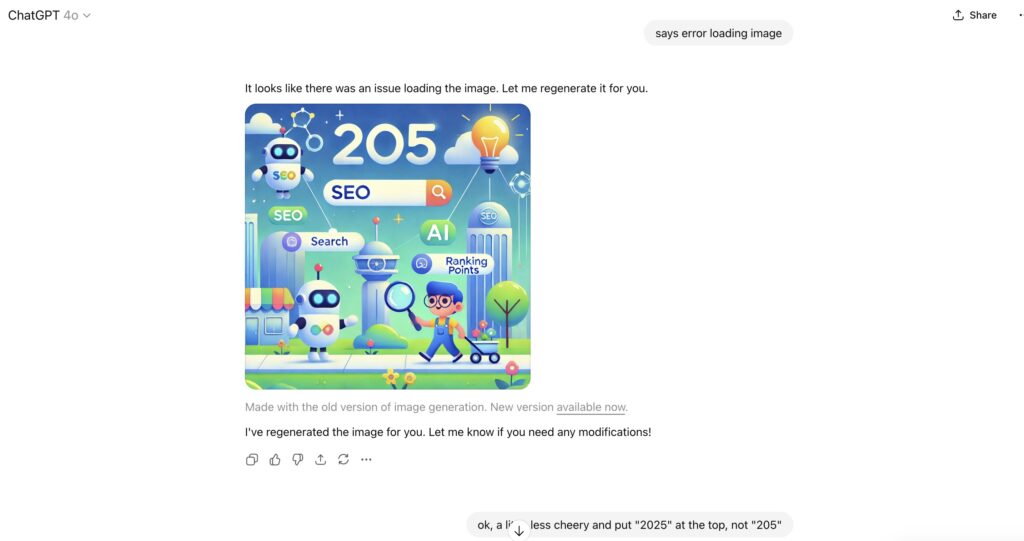
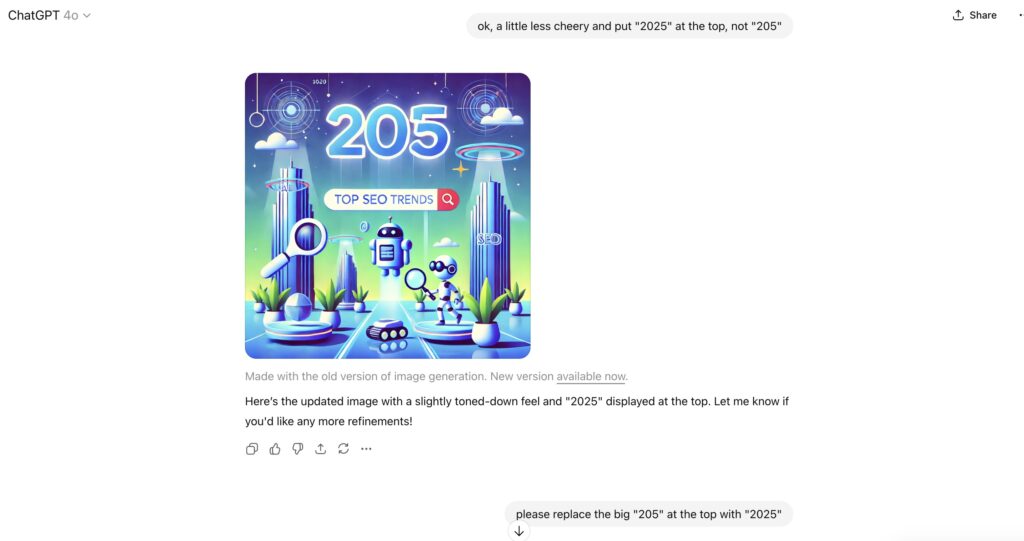
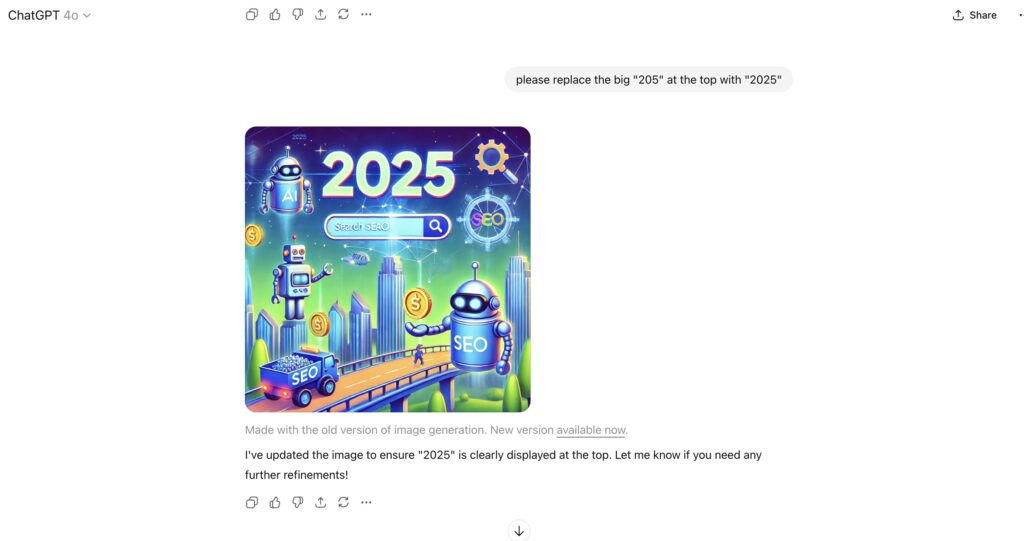
When I tested image generation with v4, edits were frustrating. I asked for a simple image on “Top SEO Trends to Watch in 2025.” The results looked good at first, but every time I requested a small tweak — like changing “205” to “2025” or making the design less cheery — the model regenerated a completely new image. Instead of fixing the detail, it reset the whole design. That meant losing the elements I liked and playing “prompt roulette” over and over again.
ChatGPT v5 — The New Experience
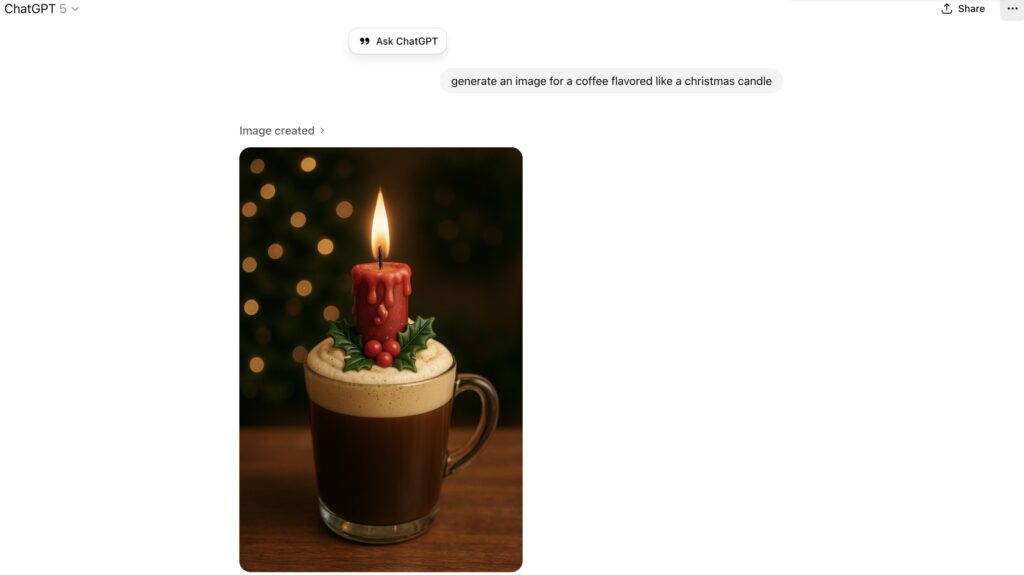
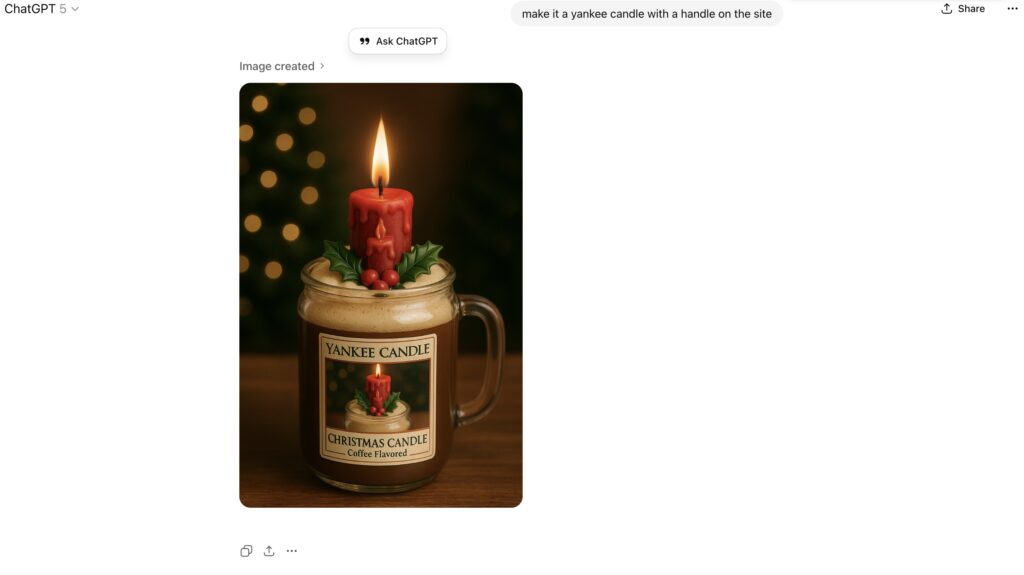
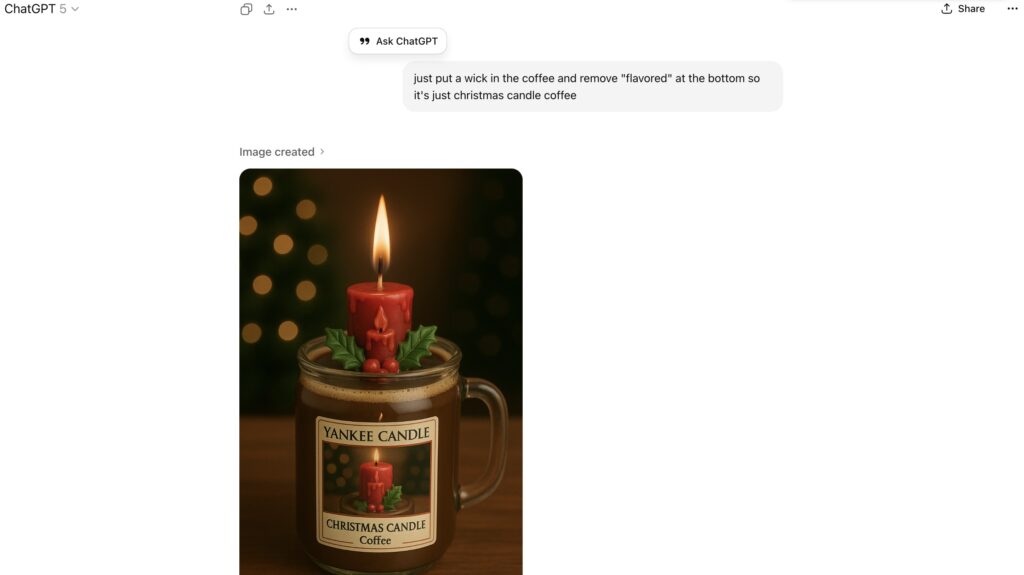
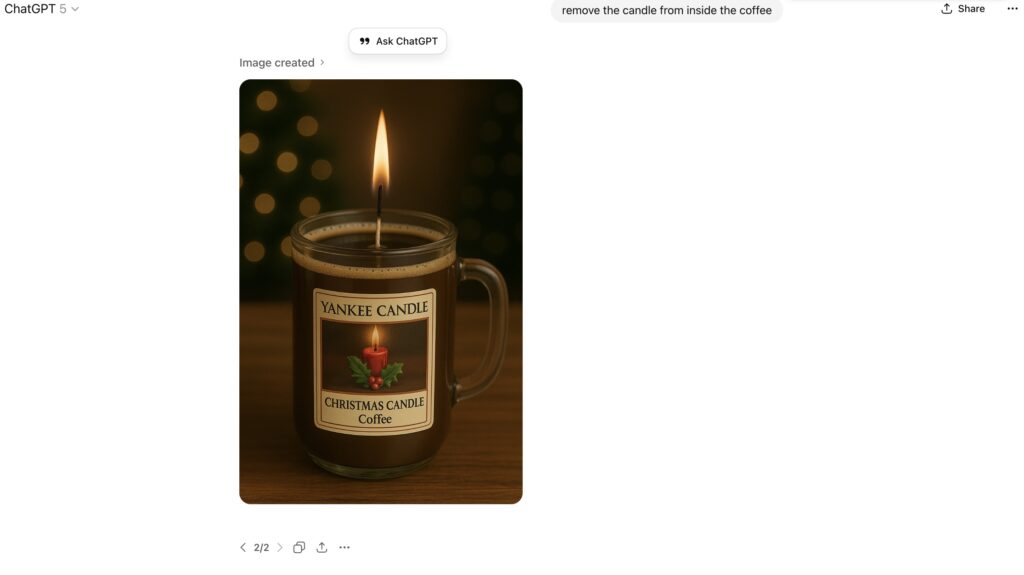
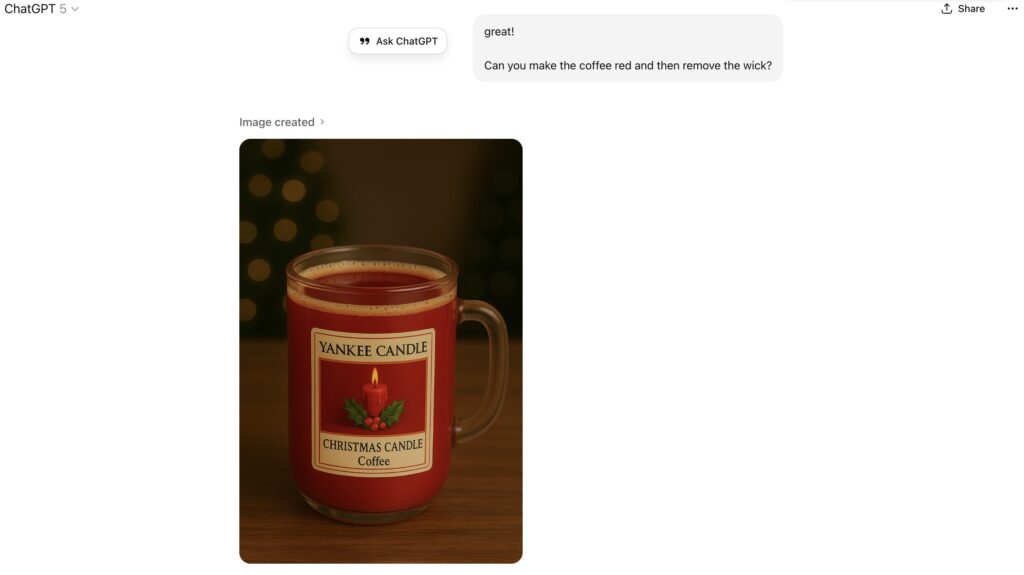
With v5, editing feels completely different. I tried a fun project — coffee styled as a Christmas candle — and asked for several adjustments: add a label, remove the candle inside, turn the coffee red, remove the wick. Instead of restarting, v5 kept the same design and layered edits on top. Each step refined the image while maintaining continuity, like working with a real designer who listens and iterates.
Why It Matters
v4: Regeneration-only approach. Even small edits created new, inconsistent images.
v5: True iterative editing. You can tweak, test, and refine without losing progress.
For designers, marketers, and creators, this is a real leap forward. ChatGPT has gone from a neat image demo (v4) to a practical, usable editing assistant (v5).
Pro Tip: In v5, stick to one or two edit requests at a time for best results.
ChatGPT Version 4 Image Generation Example
ChatGPT Version 5 Image Generation Example