


I’ve seen a couple people (not clients) recently choose AI website builders. One didn’t think a website should cost much at all (maybe a couple hundred dollar). The other left WordPress for the simplicity of an AI builder. Both reasons made sense, but both ran into the same issue: it just couldn’t deliver.
AI can be useful to get something live quickly. As a starting point, it’s fine, but as a serious, long-term business asset… It’s not there yet.
I’ve seen AI-built sites load INCREDIBLY slowly on mobile and generate repetitive, filler content just to make pages look complete. But Google cares about usefulness and originality — not how full a page looks. When content lacks depth or real value, it often doesn’t rank or may even get rejected by Google and therefore not indexed. I’ve seen it happen.
Do your homework. Plan your SEO. And don’t hand your most powerful lead generator entirely over to automation.
And now to the meat of the blog post.
AI website builders are touted as a game-changer for easy website creation. With just a few prompts, these platforms can spin up an entire site – design, layout, and even content – in minutes. For non-technical users or busy entrepreneurs, the appeal is obvious: no coding, no hiring developers, and instant online presence. But beneath the glossy templates and AI-generated copy lies a harsh reality: these quick-fix websites can wreak havoc on your SEO. In fact, many AI-built sites end up struggling to rank or even fail to get indexed at all. This article will explore the hidden SEO pitfalls of AI website builders – from missing metadata to slow, bloated code – and why “done-for-you” AI sites often kill your chances of ranking on Google. We’ll also provide insights on how to avoid these issues if you’re considering an AI builder.
AI website builders (offered by companies like Wix ADI, GoDaddy’s ADI, Durable.co, and others) promise to handle everything for you, including SEO basics. They generate a site structure, fill in images and text, and claim the site is “SEO-ready” out of the box. For beginners, this sounds like a dream – you get a professional-looking site that supposedly follows best practices, without needing to know a title tag from a meta description.
However, the focus of these tools is usually on speed and visual appeal, not on comprehensive SEO optimization[1]. They check off some basic SEO boxes (like mobile-friendly design and a sitemap), but often neglect critical elements that affect your search rankings. As TechRadar put it, many AI site builders prioritize quick design over SEO, resulting in sites with “slow load speeds, poor mobile responsiveness, lack of customizable meta tags, and thin content” – all factors that can hinder your Google rankings[1]. In other words, the surface might look fine, but under the hood your AI-generated site could be missing key ingredients for SEO success.
Let’s break down the specific reasons why an AI-built website can be toxic for SEO if you’re not careful:
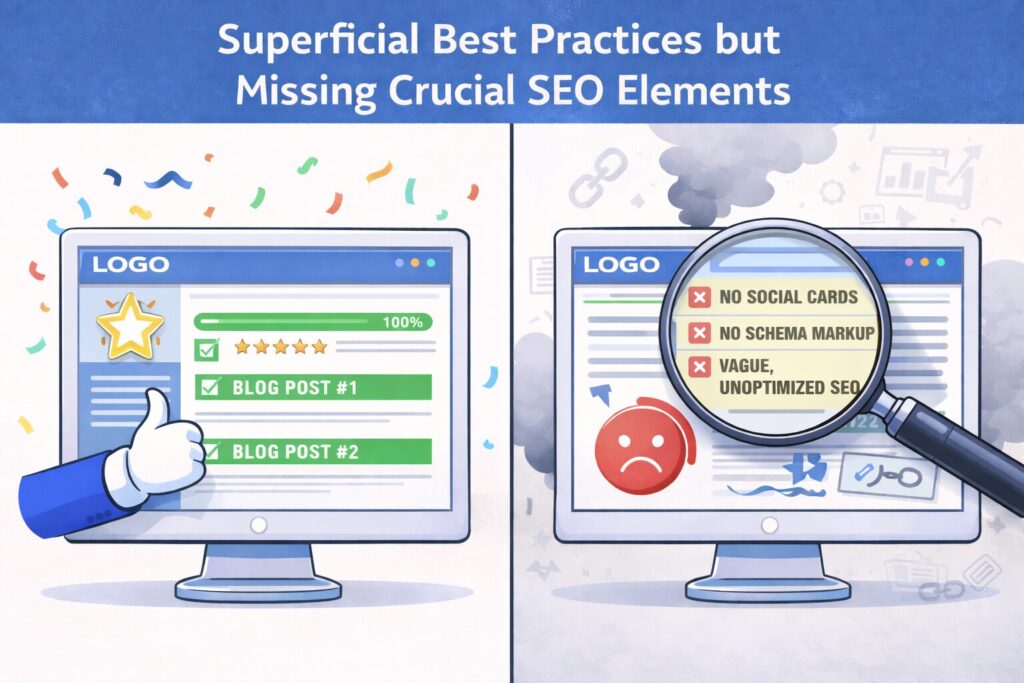
Most AI website builders do implement some SEO best practices automatically. For example, they might ensure your site has:
These are important foundations. The danger, however, is assuming that these basics are enough. AI builders often miss many critical SEO elements that an experienced developer or SEO specialist would include. Here are a few commonly missing pieces:
In short, AI builders tend to cover the obvious SEO checkpoints (mobile-friendly, basic meta tags, SSL), but leave out many subtleties that can make the difference between page 10 and page 1 on Google. Things like open graph tags, advanced schema, and fine-grained meta control are not priorities for these tools, as a 2024 TechRadar analysis highlighted[1]. The result is a site that might look “SEO-friendly” on the surface, yet lacks the depth needed to truly compete in search rankings.
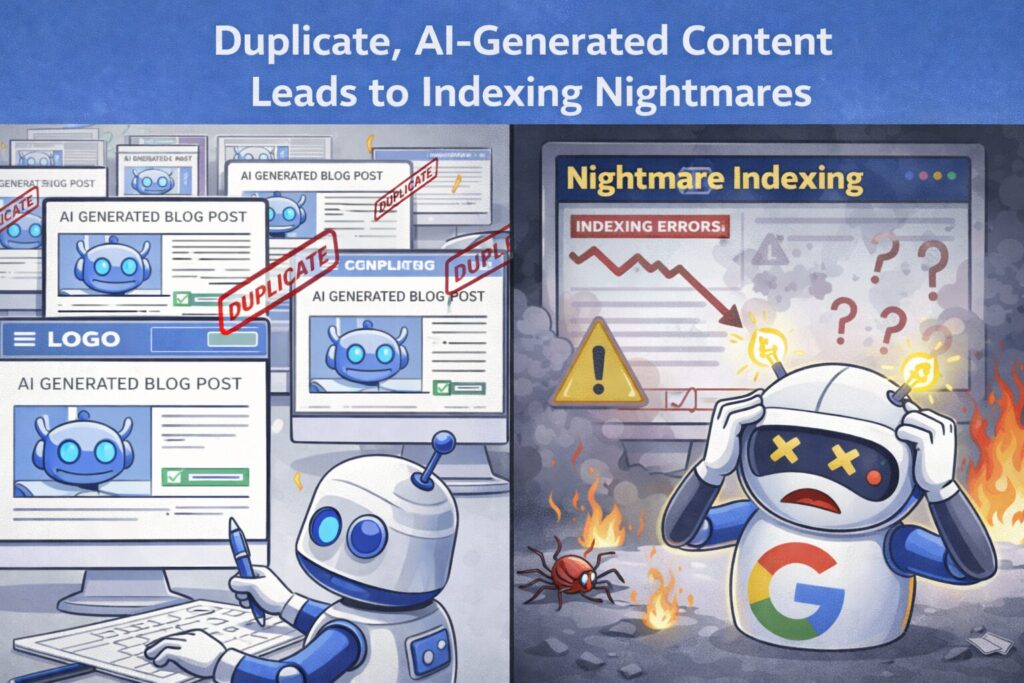
Perhaps the biggest SEO red flag with AI-built websites is the content itself. The idea of having AI “write” all your website copy is tempting – who wouldn’t want to auto-generate blog posts or service page text instantly? The problem is that AI-generated content, if not carefully guided and edited, can turn out generic, repetitive, and lacking in the unique value that Google looks for.
Many AI site builders use algorithms to produce your page text based on industry templates. This often results in cookie-cutter phrasing across many sites. For example, dozens of plumbing businesses that use the same AI tool might end up with eerily similar homepage copy (“Welcome to [Business Name], your trusted local plumbing expert…” etc.). Such boilerplate content can trigger Google’s duplicate content filters or simply be deemed low-quality. One digital marketing forum discussion noted that if an AI builder generates nearly identical text for multiple sites, those pages may get flagged and not indexed by Google at all[8]. In fact, in May 2025 Google performed a massive de-indexing sweep: millions of pages disappeared from search, and many were sites “riddled with duplicate content, thin pages, templated content, or — content generated primarily by AI”[8]. Websites with valuable, unique content were fine, but those relying on mass-produced AI text saw 30-40% of their pages vanish from Google’s index[9]. This was a wake-up call that Google will not index content it deems low-quality or spammy, and unfortunately a lot of auto-generated AI copy falls into that category.
Even when outright de-indexing doesn’t happen, AI-written content can underperform in rankings. Google’s algorithms use a variety of quality signals, and they have become increasingly adept at identifying AI-like text patterns. Google has stated clearly that it doesn’t care how content is produced (AI or human) as long as it’s helpful and high-quality. But the reality is much of the content these site builders spit out is not high-quality by Google’s standards – it’s fluff to fill the page, often lacking depth, originality, or the experience and authority that a real expert could convey. Google’s own Search Advocate John Mueller has hinted that if a site is technically fine yet “barely getting indexed, often that’s a sign our systems aren’t convinced about the site overall”[10]. Low-quality, generic content is a common reason; “pages need to pass quality to be indexed” at all[11].
Another issue is “indexed without content” errors, which can happen if Google sees your page but finds the content too trivial or identical to something elsewhere. In some cases, AI builders might even accidentally block content from crawlers (for instance, loading text only via JavaScript, which we’ll discuss next), leading Google to index a URL but with essentially no content – a disaster for SEO.
The bottom line: If you let an AI write your site and you just copy-paste whatever it gives you, you’re taking a big risk. You might save time on writing, but you could end up with thin content that Google ignores. AI content can be useful as a starting draft, but it absolutely requires a human touch – editing, adding specific details, injecting expertise and originality. As one AI website builder review noted, the author had to “rewrite bios to sound more specific and human” because the AI’s version was too generic[12]. They also replaced the AI’s stock images with real, unique images, because using only stock photos and boilerplate text diminishes credibility and trust[12][13]. These human elements are part of what Google’s E-E-A-T (Experience, Expertise, Authoritativeness, Trustworthiness) guidelines look for. If your AI-built site lacks E-E-A-T signals (e.g. no author info, generic statements, no unique insights), it will likely struggle to rank, even if it doesn’t get outright no-indexed.
In summary, duplicated or auto-generated content is a major SEO killer. AI site builders that churn out “copy and paste” text across sites set you up for poor performance. Google rewards content that is helpful and unique – two adjectives rarely applied to something an algorithm wrote in 30 seconds without deep knowledge of your business.
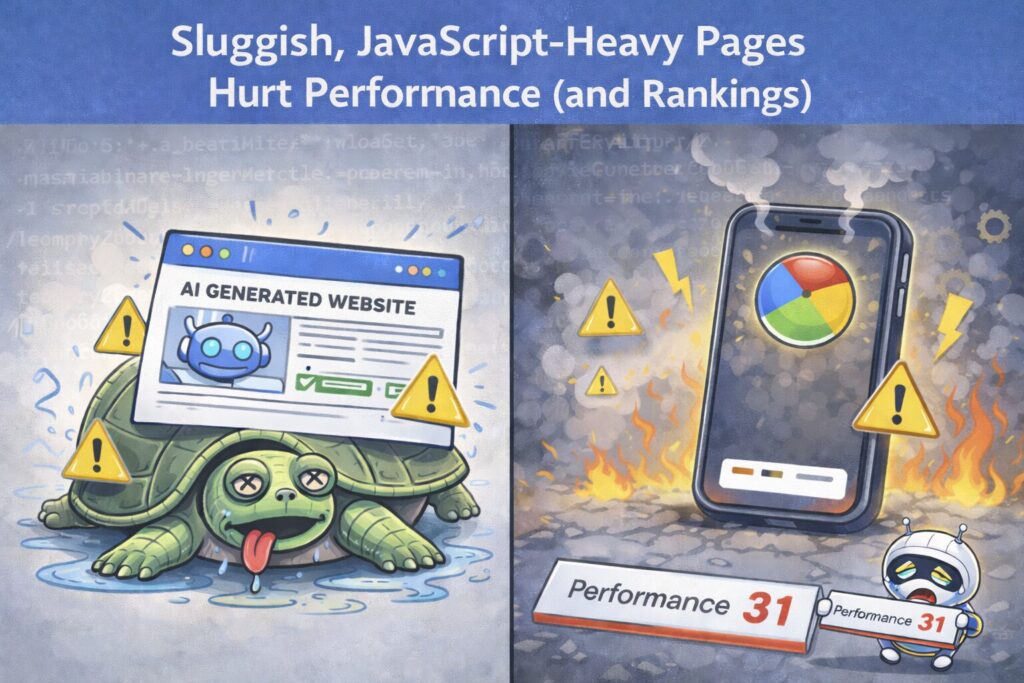
Beyond content and tags, SEO has a strong technical component: site performance and crawlability. Here too, AI website builders can falter. Many of these platforms produce sites that are JavaScript-heavy, bloated, and slow-loading, which directly impacts both user experience and SEO metrics.
Consider how some AI builders work: to offer fancy designs and drag-and-drop ease, they may build your site as a single-page application (SPA) or otherwise load content dynamically via JavaScript. For example, the AI builder “Lovable” constructs sites using React (a JS framework) with client-side rendering. The result? When search engine bots or social media bots hit the page, they initially see nothing but an empty <div id=”root”></div> – all the content requires JS execution to appear[14][2]. Googlebot can execute JavaScript to some extent, but it’s resource-intensive and not always reliable or timely. In the Lovable case, the community found that Google and other crawlers often weren’t waiting for the JS, leading to pages not getting indexed properly at all[2]. The site would load fine for a human, but Google might only see a blank page or incomplete content. This also meant meta tags that were injected via JS (like Open Graph tags, or even the title in some cases) were “invisible” to crawlers[3]. In essence, a JavaScript-heavy architecture turned the website into a black box for search engines – an obvious SEO disaster. Their only solutions involved complex workarounds like prerendering pages on the server or using headless browser tricks to serve static HTML to crawlers[15][16]. Average users of an AI builder are not going to implement such hacks, and they shouldn’t have to! If an AI platform’s default output can’t be easily crawled or indexed, that alone “kills” your SEO by preventing your content from even being seen by Google.
Even on platforms that don’t completely hide content behind JavaScript, site speed and performance are common issues. AI-generated sites often include lots of scripts and styles to make the “auto design” possible. This can lead to large page sizes and many HTTP requests. Core Web Vitals – especially Largest Contentful Paint (LCP) and Interaction to Next Paint (INP) – tend to suffer when a page is bloated with unoptimized assets or render-blocking scripts. Google has made page speed a ranking factor, particularly on mobile. Fast sites provide a better user experience and thus rank higher on average, whereas slow sites can be penalized in rankings[17]. A slow site also hurts your crawlability: search engines have a crawl budget, meaning they can only spend so much time fetching pages from your site. If each page is slow or heavy, Googlebot will get through fewer pages in the same time, potentially leaving parts of your site unindexed[18]. An SEO expert on Reddit summarized it well: “If the underlying HTML is bloated, or the server response time is slow, the site will struggle to rank. Search engines have limited crawl budgets – if your code is heavy and your server is slow, bots will crawl fewer pages, indexing your content more slowly.”[18] In many cases, AI site builders host your site on their own infrastructure which you can’t optimize; you have limited control over caching, CDNs, or code minification. Some builders do try to implement caching and CDNs globally, but others might not, leaving you with mediocre performance that you can’t fix easily.
Let’s not forget images and media: AI builders often populate your site with stock images or even AI-generated images. These might not be properly compressed or sized for web, causing larger downloads than necessary. A human developer or content creator would normally optimize images (compress them, use next-gen formats, lazy load them, etc.) as part of good SEO practice. An automated system might skip those nuances. Unless the platform explicitly advertises image optimization, you should assume you’ll need to manually handle it – if the platform even allows you to replace and optimize those files.
Real-world tests have shown some AI-built sites to be significantly slower than their hand-built or traditional CMS counterparts. Users in SEO forums often recommend running any AI-generated page through PageSpeed Insights or Lighthouse. If you do this, don’t be surprised to see poor scores. For instance, one Redditor advised doing a side-by-side test: build the same page in WordPress and in an AI builder, then run performance tests on both[19]. Frequently, the AI version lags due to heavier code. Without the ability to tweak code or remove unnecessary scripts, you might be stuck with those slower speeds.
To illustrate: Wix’s Artificial Design Intelligence (ADI) is an AI builder mode in a popular platform. Wix sites historically had a reputation for slow loading (though they’ve improved over the years)[20]. With ADI, Wix generates a quick layout and even some boilerplate content. It will handle basics like responsive design and will automatically generate a sitemap, set up SSL, etc. – so it claims to be SEO-ready. But advanced users often switch out of ADI to the regular editor because ADI can be limiting for SEO tweaks[21]. For example, if you want to add a custom script in the <head> (maybe for structured data or a third-party tool), or if you need to significantly rearrange content for better UX, you might hit a wall in ADI. And while Wix has made strides in speed, a complex layout from ADI can still bog down under the hood. The point is, platforms built for convenience often sacrifice some performance optimization and almost always sacrifice flexibility – which brings us to the next point.
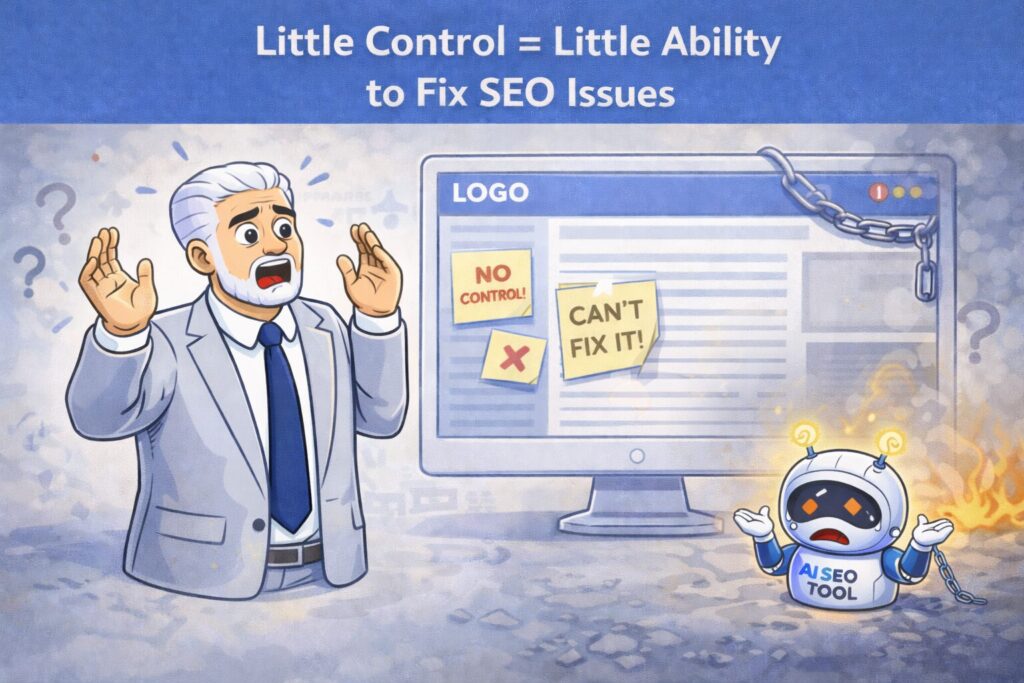
When using an AI website builder, you’re typically in a closed ecosystem. The platform handles hosting, code, and the editing interface, often abstracting away the technical guts of the site. This is great for ease of use – until you discover something isn’t SEO-friendly, and you can’t fix it. Lack of control is a silent SEO killer, because SEO often lives in the details. If your builder won’t let you access or modify those details, you’re stuck with whatever SEO capability (or incapability) it has.
A few scenarios where limited control hurts you:
To put it simply, traditional website setups (like WordPress, Webflow, etc.) might take a bit longer to set up initially, but they give you far more power to optimize. AI builders give you speed, but with a trade-off: you’re playing by their rules, even when those rules conflict with SEO best practices. As one Reddit commenter advised, a smart approach is to use AI for drafting or initial builds, but then move into a platform where you have full control for the long term[25][24]. AI can help generate ideas, content, or quick prototypes, but a robust CMS or custom site will let you refine and continuously improve SEO elements that the AI tool might have missed.
AI website builders are incredibly appealing – they save time, reduce the need for technical skills, and can get you online fast. For a temporary landing page or a very simple, short-term project, an AI-built site might do the job just fine. In fact, some AI builders are decent for what we’d call “SEO hygiene” – they ensure you don’t launch something utterly broken (they’ll usually make it mobile-friendly, include basic tags, etc.)[26]. If your goal is to stand up a quick site for an event or MVP product, and SEO is not the primary concern, an AI builder can be a handy tool.
However, if you care at all about organic search traffic, you need to go in with eyes open. The phrase “AI website builders kill your SEO” isn’t just hyperbole; it captures the very real downside that you could severely limit your site’s potential to rank by relying solely on AI-generated solutions. These tools often produce sites that “check the technical boxes but fail to resonate” – both with users and with search engines[27]. They lack the strategic depth, the nuance, and the optimization finesse that comes from real expertise.
Here are the key takeaways to remember:
In the end, successful SEO is about providing the best experience and information to users – and convincing search engines of the same. AI website builders can give you a head start, but they won’t magically produce a top-ranking site without effort. Your insight, effort, and optimization are still needed. As Google and other search engines get smarter, they actually reward the human element more: expertise, trustworthiness, and meaningful content. Don’t let the convenience of AI blind you to these truths.
Before you let an AI platform build your entire online presence, ask yourself: Am I building this site to impress an algorithm, or to genuinely serve my visitors? Ironically, the best way to impress the Google algorithm is to serve your visitors well – with fast, user-friendly pages and original, helpful content. Achieving that requires intention and often some manual work. AI can assist, but if you rely on it completely, you risk ending up with a site that’s technically there but effectively invisible.
In summary: AI website builders can be useful tools in your toolkit, but they should be handled with caution when it comes to SEO. Don’t assume the AI has done everything right – double-check, optimize, and inject your own expertise. If you don’t, you might find that while you saved time building your site, you’ll spend far more time wondering why your beautiful new website isn’t ranking – or frantically trying to fix what the AI “missed.” The best strategy is to combine the speed of AI with the wisdom of human SEO know-how: that way, you get the best of both worlds and a site that both users and search engines will love.
Sources
[1] [27] 5 downsides of using an AI website builder (+ how to overcome them) | TechRadar
[2] [3] [14] [15] [16] SEO on Lovable: I tested multiple approaches – here’s what I found (looking for community feedback) : r/lovable
https://www.reddit.com/r/lovable/comments/1r1tzti/seo_on_lovable_i_tested_multiple_approaches_heres/
[4] [5] [18] Which Website Builder Is Best for AI SEO? (Expert Guide 2026)
https://elementor.com/blog/which-website-builder-is-best-for-ai-seo/
[6] [7] [19] [22] [25] Has anyone tried building sites on new AI website builders (Lovable, Base44, Bolt)? How’s the SEO performance vs. WordPress or Shopify? : r/DigitalMarketing
[8] [9] [28] May 2025 Google Deindexing: Is AI the Hidden Culprit? | Sunrise Dental Solutions
https://sunrisedentalsolutions.com/late-may-2025-google-deindexing/
[10] [11] Google Says Barely Indexed Sites Can Mean Google Isn’t Convinced Of The Site Overall
https://www.seroundtable.com/google-sites-barely-indexed-39769.html
[12] [13] [23] [24] [26] [29] How Durable Handles SEO Compared to Traditional Builders
https://www.anangsha.me/how-durable-handles-seo-compared-to-traditional-builders/
[17] AI Is Slowing Your Website Down. Here’s How to Fix It. | Built In
https://builtin.com/artificial-intelligence/ai-slowing-website-down